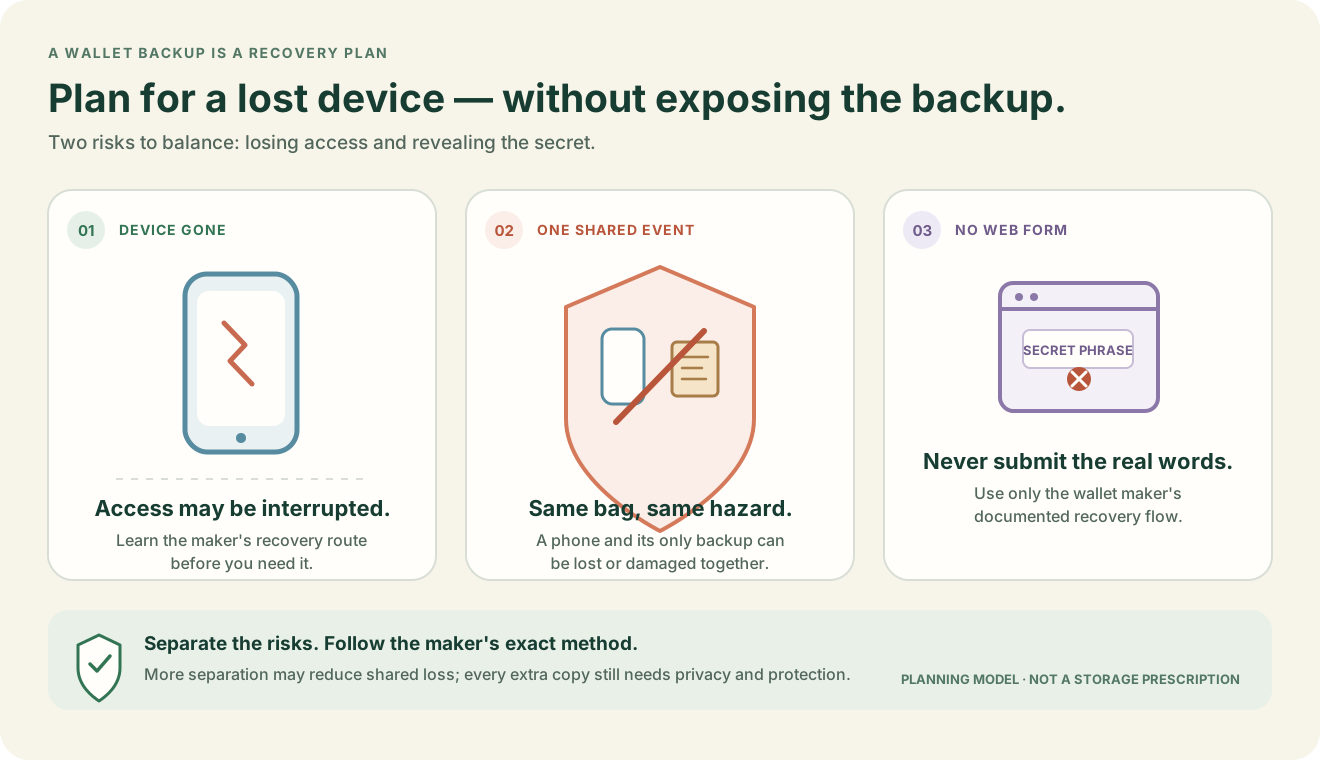
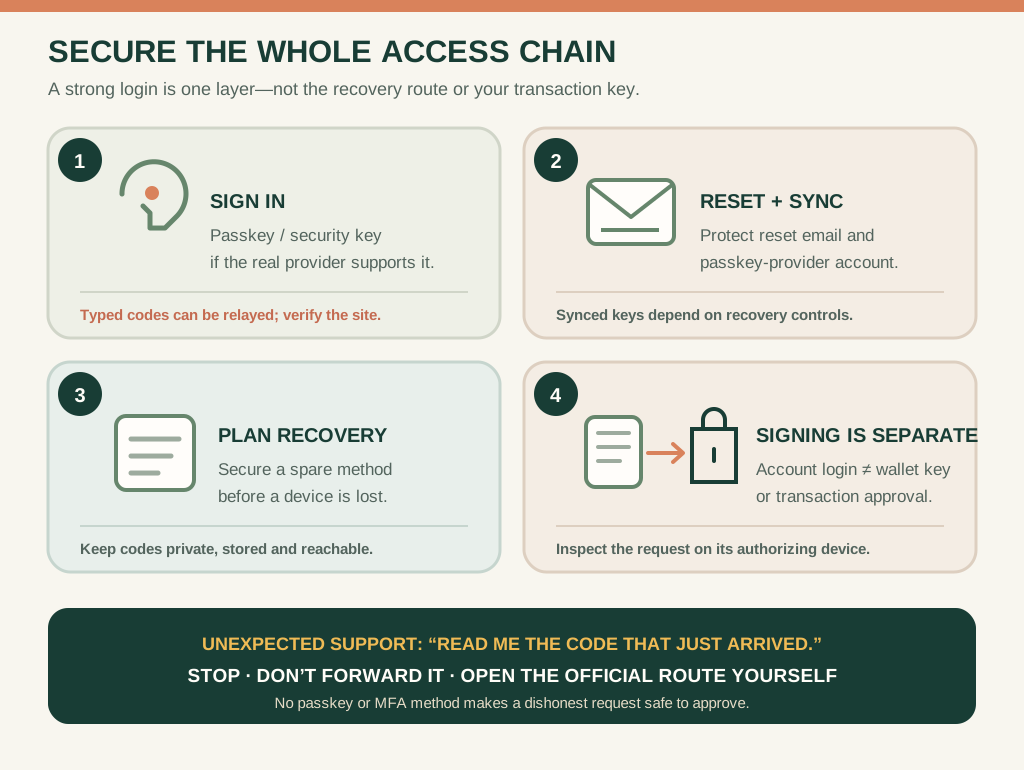
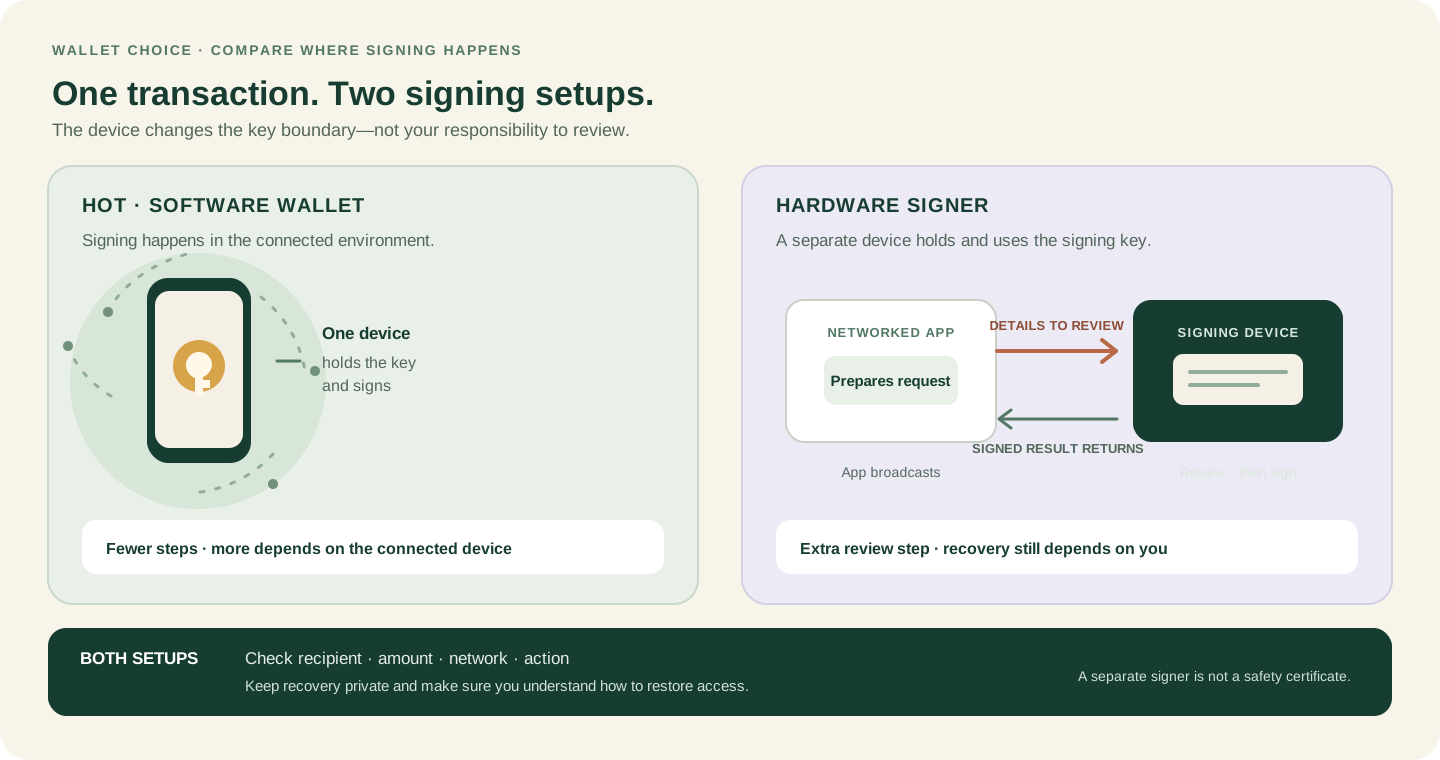
This guide is educational, not personalized financial, legal or security advice. A checklist reduces avoidable mistakes; it cannot make a transaction risk-free.
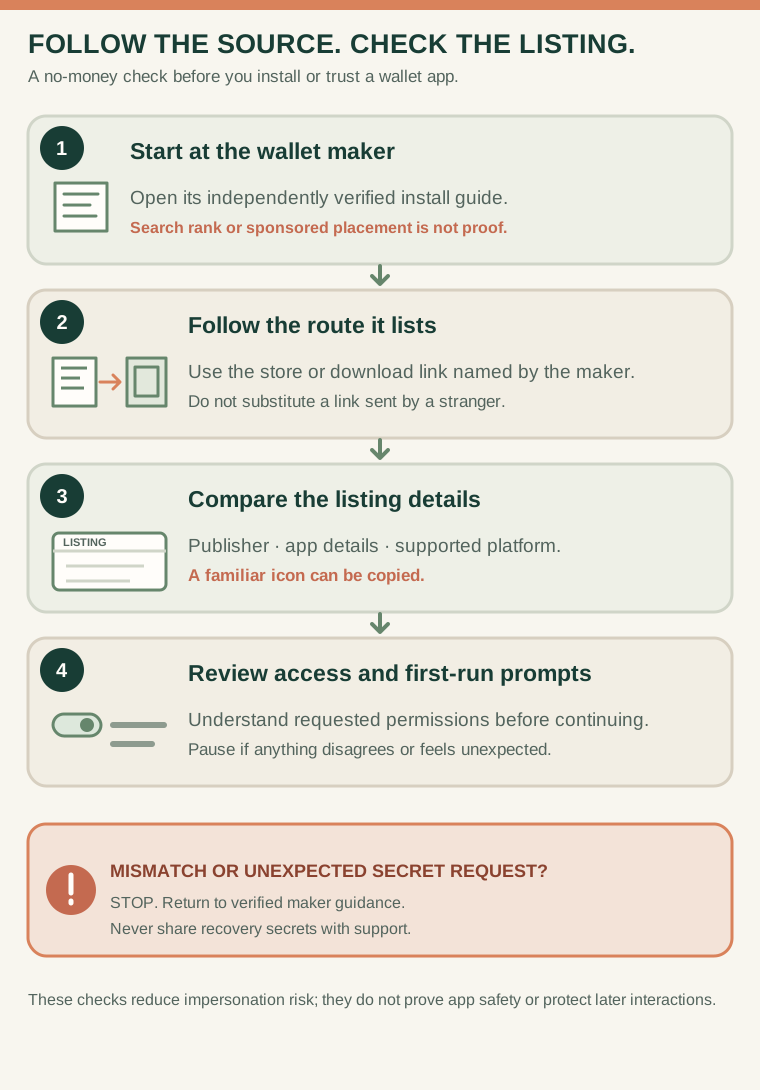
If details mismatch, stop and return to the maker’s independently verified guidance. A familiar logo or store listing alone does not prove an app is safe or protect later interactions.
- Open the wallet maker’s independently verified install guide.
- Follow the app-store, extension-store or download route documented by that maker.
- Compare the publisher, app details and supported platform; a matching logo alone is not enough.
- Review permissions and first-run prompts. Stop if a detail disagrees or a stranger asks for recovery secrets.
A listing copies the wallet’s familiar icon but names a different publisher. What should you compare next, and what is the safer choice if the maker’s documentation does not agree?
Begin with the distribution route, not the logo
Fake wallet apps can copy a name, icon, publisher description and review style. Search ranking or a sponsored placement is not proof that an app is genuine. Start from the wallet maker's independently verified official domain and follow its documented link to the app store, browser extension or desktop download. Compare the publisher, platform, domain and version details before installation.
Verification continues after installation. Updates, extension permissions, support messages and in-app prompts can all change the risk. A genuine app can still connect you to a malicious site or display a request you should reject. No routine support interaction needs your recovery phrase or private key.
A simple pre-install check
Open the official documentation through a route you trust. Compare the store listing it links to, including the publisher identity and supported platform. Review permissions and understand why the wallet needs them. Keep a record of the official support route and bookmark it rather than using a search result during an incident. If the links disagree, stop.
A closer check
Before installing, verify the publisher, package name and official download path, then compare the first-run screens with documentation from the wallet maker. A familiar logo is not enough. Keep the recovery process offline and separate from links or messages that arrive after the installation.
The dangerous setup shortcut
A purchased device arrives with a recovery phrase already written down, or a stranger sends a phrase and says it is ready to use. That phrase may already be known to the sender. A legitimate wallet should create or present the recovery process during your own verified setup. Never import a phrase supplied by a seller, influencer or support account.
If you suspect a fake app or have entered a secret, stop using it, document the non-sensitive details and follow the maker's official incident guidance from a clean device. For the secret boundary, read recovery phrases explained.
Check your understanding.
What is stronger evidence than app-store ranking?
A correct answer records local learning progress, not a qualification or proof of financial readiness.
Put this lesson in context
Start with who controls the keys. Continue to recovery and backup planning before connecting an application.
Sources & context
- ethereum.org — Ethereum wallets ↗Consulted 2026-10-10
- Bitcoin.org — Securing your wallet ↗Consulted 2026-10-11
- ethereum.org — Security and scam prevention ↗Consulted 2026-10-11
- FBI Internet Crime Complaint Center — Cyber Criminals Targeting Victims through Mobile Beta-Testing Applications ↗Consulted 2026-10-05
- MetaMask Help Center — How to install MetaMask ↗Consulted 2026-10-05
Original educational content prepared for this project. Sources provide context, not endorsement or a guarantee that every statement remains current. Rules, product interfaces and availability can change.
Keep learning in Telegram.
Open this published guide in the learning bot. No account connection or wallet is needed.
Join the $STONKB community.
Follow project updates, share useful ideas and meet other builders. You do not need to buy $STONKB to join.
Take what you learned.
Leave the pressure behind.