This guide is educational, not personalized financial, legal or security advice. A checklist reduces avoidable mistakes; it cannot make a transaction risk-free.
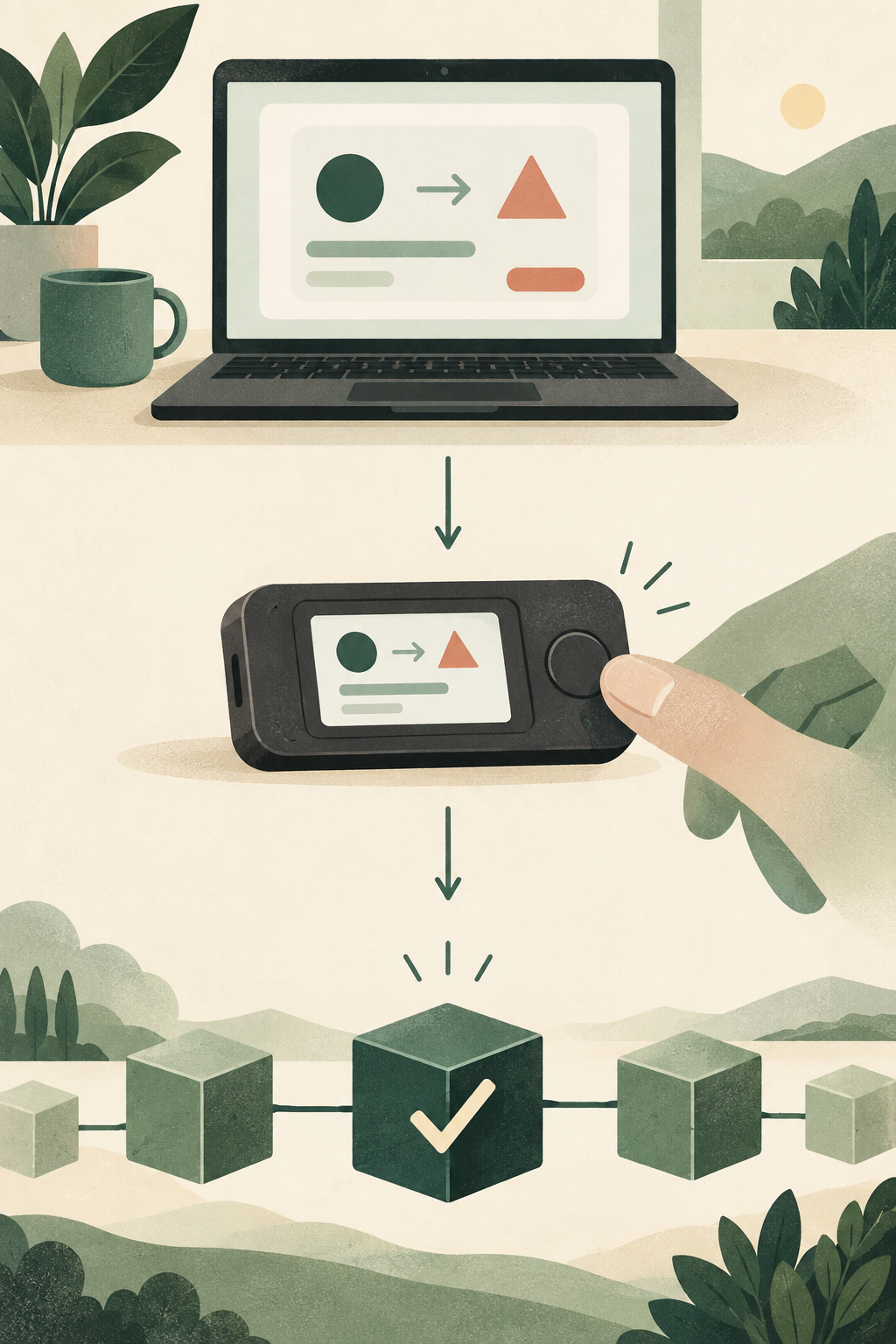
Choose for the networks and applications you need, then confirm what the device lets you inspect before approving.
- List the networks and wallet applications you need to use.
- Check whether the device and your phone or computer support that workflow.
- Understand which transaction details appear on the device display.
- Compare current regional price and recovery responsibilities only after compatibility is clear.
What is the first compatibility question you would verify before comparing device extras or price?
Start with your own use case
Choosing a hardware signer is easier when you describe the job before looking at product pages. List the blockchain networks, assets and applications you actually plan to use. Separate requirements you need now from features that only sound interesting. A device cannot fit if it does not support an essential network or the phone or computer you rely on.
Ledger's available models and specifications can change. Treat current manufacturer product pages as the source of truth for supported assets, connections, screen design, included accessories, software requirements and regional availability. This guide provides a comparison method rather than a model ranking.
Five questions to compare
Does it support your networks and applications?
Check each required network and the exact wallet application you intend to use. A ticker name is not enough: assets can share similar names, and support can depend on network, software version and third-party integration. Confirm the current compatibility list and limitations before purchase.
How will it connect?
Compare connection options with the devices you own and settings you are comfortable using. Consider whether you expect to use a laptop, desktop or phone, and check current operating-system requirements. Do not assume a feature works with every device or application.
What screen and interaction style works for you?
A screen is part of transaction review. Consider readability, navigation and how much detail you can inspect comfortably. Confirm what information the device can display for your intended networks; some requests remain technical or difficult to interpret.
What backup plan will you maintain?
Device recovery is part of the ownership decision. Understand the standard recovery method and any optional backup services or accessories, including their costs, availability and trust assumptions. A convenience feature does not remove the need to understand how access is recovered. Do not buy until you can explain how you will keep recovery information private.
What is the full cost where you live?
Compare the listed price with shipping, taxes, accessories and optional paid services relevant to you. Review delivery estimates, payment options, warranty coverage and return terms for your region. Prices and policies can change, so check the official checkout before committing.
Make a comparison sheet
For the models currently offered in your region, compare required networks; compatible phone or computer; display and navigation; recovery options; total checkout price; and delivery and return terms. Mark unknown details as questions rather than guessing from a review or older comparison video.
Skip features that do not solve a real requirement. If two devices both meet your needs, decide whether the difference in screen, connection or price matters to your workflow. You do not need the most expensive model to learn self-custody.
Watch for risky purchase shortcuts
Buy only through a sales channel you can verify independently. Marketplace pages can contain offers from multiple sellers; check the seller itself, not just the platform logo. After delivery, use official setup software and complete the current authenticity verification process. Packaging inspection alone cannot establish that a device is genuine.
Never use a device with a prewritten recovery phrase or enter one supplied by another person. Do not follow a QR code or app download link in an unsolicited message.
Before you decide
If this is your first wallet, read about hardware wallets and software wallets and how a Ledger transaction is signed. If you are comfortable with the trade-offs, compare current models and regional terms on Ledger's official site. Buying is optional; compatibility and recovery readiness matter more than urgency.
Compare current Ledger options.
Start with the networks, devices and recovery responsibilities covered in this guide. Check current compatibility, price, shipping and returns on Ledger’s official store.
Referral disclosure: StonkBuilder Learn may earn a referral commission if you buy through this link.
Compare current Ledger optionsThe link is optional. This guide is educational and is not a product endorsement or a guarantee of security.
Is a signing device relevant to your workflow?
Choose the statements that describe needs you have already identified.
This is a learning prompt, not a personalized recommendation. Leaving every box unchecked is a valid reason to keep learning.
Check your understanding.
What should you verify before comparing model extras or appearance?
A correct answer records local learning progress, not a qualification or proof of financial readiness.
Sources & context
- Ledger Shop — Ledger hardware wallet range and comparison ↗Consulted 2026-09-23
- Ledger Academy — What Is a Hardware Wallet? ↗Consulted 2026-09-23
- Ledger Academy — Best Practices to Securely Buy Your Ledger Signer ↗Consulted 2026-09-23
- Ledger Academy — What Is a Secret Recovery Phrase? ↗Consulted 2026-09-23
Original educational content prepared for this project. Sources provide context, not endorsement or a guarantee that every statement remains current. Rules, product interfaces and availability can change.
Take what you learned.
Leave the pressure behind.