This guide is educational, not personalized financial, legal or security advice. A checklist reduces avoidable mistakes; it cannot make a transaction risk-free.
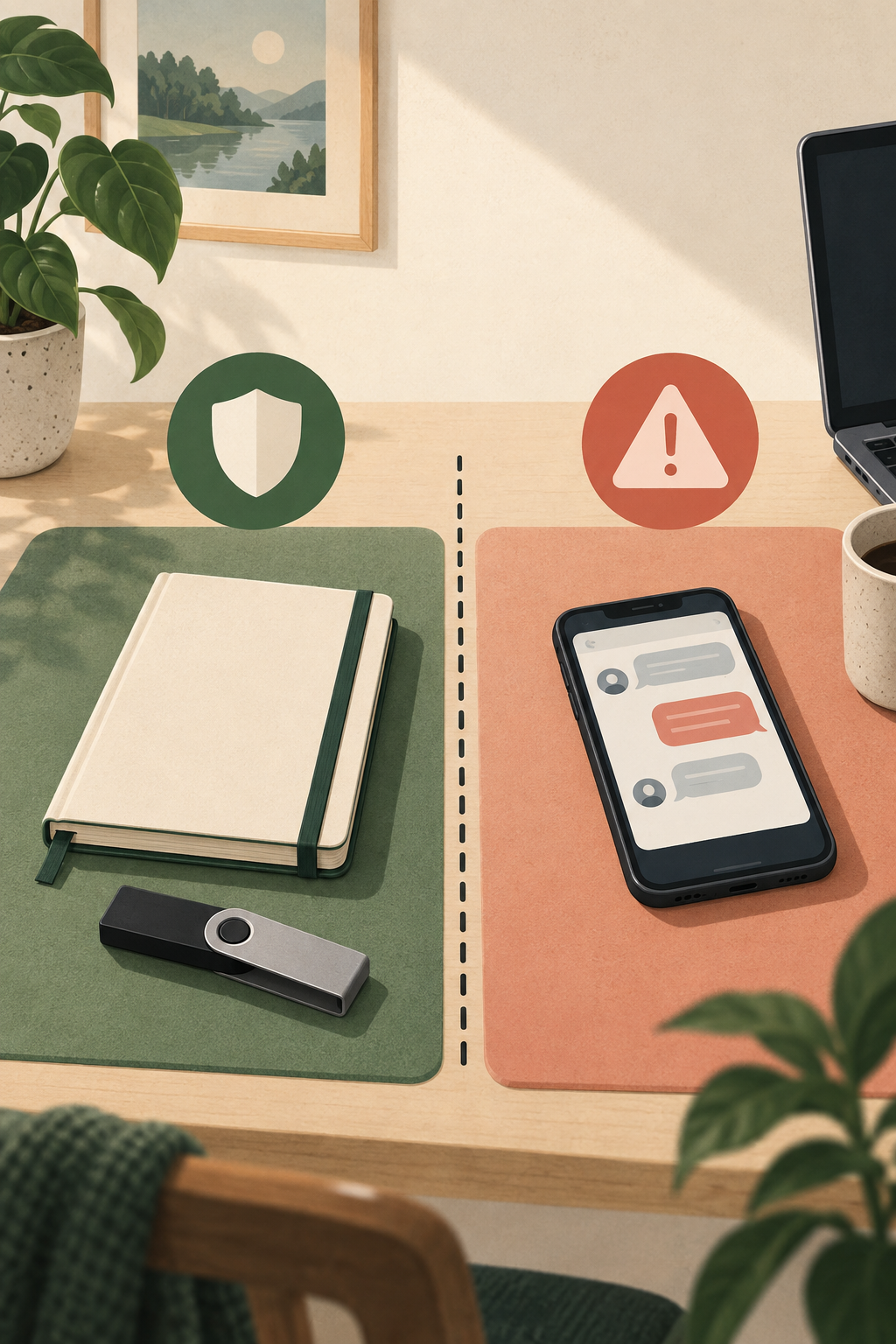
A recovery phrase is a backup secret, not information to enter into a chat, website or support form.
- The physical backup represents recovery information kept offline.
- The phone represents connected services and exposure paths.
- Anyone who obtains the phrase may be able to restore wallet access.
- A hardware device does not remove the duty to protect recovery information.
What is the first safe response when a message asks you to type a recovery phrase?
Why the recovery phrase matters
A Secret Recovery Phrase is a human-readable backup used by compatible wallets to restore access to accounts derived from it. It is not a customer-service password or a harmless setup code. Someone who obtains it may be able to restore the wallet and control associated assets without your original device.
A hardware wallet can protect keys during ordinary signing, but recovery information is a separate responsibility. If the device is lost or damaged, a suitable backup can restore access. If the backup is exposed, a secure device cannot make the phrase secret again.
Keep the backup offline and private
Do not photograph or screenshot the words, type them into a computer or phone, paste them into a browser, email them to yourself or store them in cloud notes. Those copies can be exposed through account compromise, malware, synchronization or accidental sharing. A message asking you to submit a phrase to “verify,” “synchronize,” “unlock” or “migrate” a wallet is a reason to stop and verify through an independently found official source.
For an offline backup, carefully record the phrase using the method specified by your wallet. Check spelling and order as the device asks. Store it somewhere private and protected from hazards that matter where you live. Paper is simple but can be damaged; other materials may be more durable but can introduce handling, storage and access trade-offs. No medium removes the need to prevent unauthorized access.
Plan for secrecy and recovery
A backup that nobody can find may be secure from theft but useless if you cannot recover it. A backup that is easy to find may be more exposed. Consider realistic events such as moving home, fire, water damage, theft, illness or the loss of the person who knows where it is. Make a plan you can maintain without putting the words into a connected device.
If you create more than one backup, each copy increases the number of places that need protection. Separate copies only if you can reliably keep track of them. Avoid storing the only backup next to the device it restores. Do not write the phrase into a shared document or emergency note that may be handled by people who do not need access. For inheritance planning, research a secure process and seek qualified local guidance without disclosing the phrase to an adviser.
What if the phrase may have been exposed?
Assume that anyone who saw or copied it could use it. Do not test the phrase by entering it into a website or unsolicited recovery tool. Use a clean, trusted setup process and the wallet's official instructions to create a new wallet and move assets if appropriate. If value may already be at risk, act promptly and obtain help through official channels you independently locate. Never pay a stranger who promises guaranteed recovery.
A pre-funding checklist
- I can explain what this phrase restores and why it must remain secret.
- I know where the offline backup is and who can access that location.
- I have considered damage, loss and continuity, not just theft.
- I can follow recovery steps without copying the phrase into an online form.
- I know how I would respond if the phrase were exposed.
If a box is unchecked, pause and learn more before transferring meaningful assets. A checklist does not certify that a storage plan is safe for every household or threat.
Related reading
A signing device does not remove recovery risk. Start with what a hardware wallet does and the Ledger setup checklist.
Compare current Ledger options.
Start with the networks, devices and recovery responsibilities covered in this guide. Check current compatibility, price, shipping and returns on Ledger’s official store.
Referral disclosure: StonkBuilder Learn may earn a referral commission if you buy through this link.
Compare current Ledger optionsThe link is optional. This guide is educational and is not a product endorsement or a guarantee of security.
Is a signing device relevant to your workflow?
Choose the statements that describe needs you have already identified.
This is a learning prompt, not a personalized recommendation. Leaving every box unchecked is a valid reason to keep learning.
Check your understanding.
Which statement best describes a Secret Recovery Phrase?
A correct answer records local learning progress, not a qualification or proof of financial readiness.
Sources & context
- Ledger Academy — What Is a Secret Recovery Phrase? ↗Consulted 2026-09-23
- Ledger Academy — What Is a Hardware Wallet? ↗Consulted 2026-09-23
- Ledger Academy — Best Practices to Securely Buy Your Ledger Signer ↗Consulted 2026-09-23
Original educational content prepared for this project. Sources provide context, not endorsement or a guarantee that every statement remains current. Rules, product interfaces and availability can change.
Take what you learned.
Leave the pressure behind.