This guide is educational, not personalized financial, legal or security advice. A checklist reduces avoidable mistakes; it cannot make a transaction risk-free.
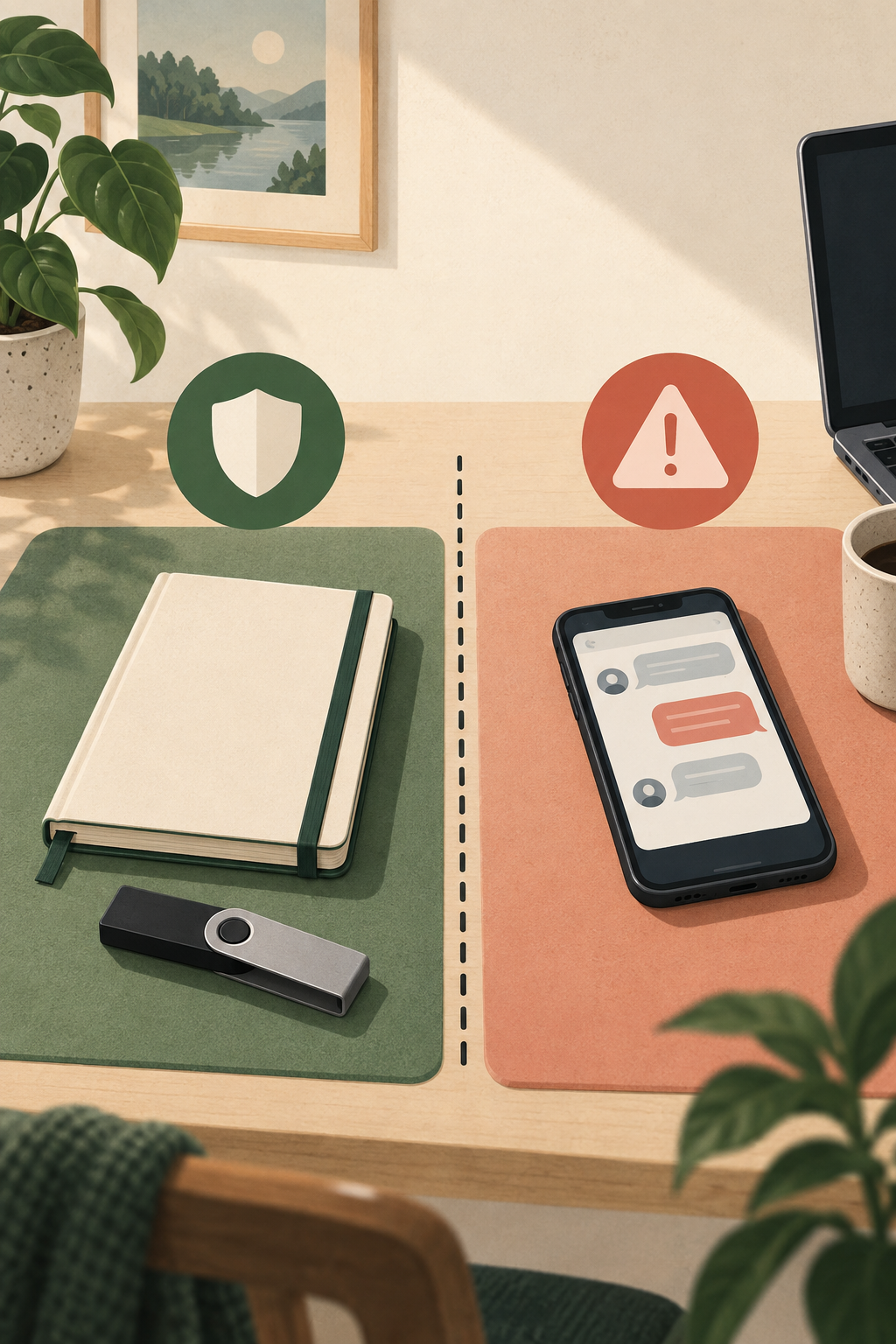
Setup is not complete when a device powers on: the recovery plan and trusted installation route matter too.
- Use an independently verified official route for companion software and setup instructions.
- Generate recovery information through the device's documented setup flow.
- Keep recovery words offline and private; never send them to a support contact.
- Plan for device loss before moving meaningful value.
Which parts of this setup checklist protect the device, and which protect recovery if the device is unavailable?
Start with the source and the device
If you have just received a Ledger device, begin with the seller and packaging. Use Ledger's official store or a reseller you independently confirmed as authorized in your region. Marketplaces can show multiple sellers on one page, so check who is actually selling the item. If packaging appears opened, altered or suspicious, do not initialize it; contact support through a route you locate yourself.
Packaging and appearance are not enough to prove authenticity. Ledger describes a Genuine Check in its official companion software. Download software only from Ledger's official website or official mobile app listing, then follow the current verification process. A result from an unofficial app or seller-provided link is not meaningful evidence.
Before initializing
Set aside uninterrupted time. Find current official setup instructions for your exact device and region, and confirm your phone or computer and intended networks are supported. Do not follow steps from a direct message, search advertisement or unverified video if they conflict with the official guide.
A legitimate new-device setup should guide you through creating a PIN and a new Secret Recovery Phrase on the device itself. Do not use a phrase printed in the box, supplied by a seller or sent by support. Never enter your phrase into a website, computer, phone note, screenshot, cloud drive or chat. Anyone who gets it may be able to restore the wallet elsewhere.
During setup
- Follow current official instructions for your device model.
- Create a PIN that is not reused and cannot be guessed from public information.
- Record recovery information only through the device's setup process, and verify each word and its order using the device's confirmation steps.
- Keep the phrase private and offline. Do not photograph, email, type or upload it.
- Complete authenticity verification in official companion software before relying on the device.
- Install only the applications you need through the official management flow.
This checklist explains decisions; it does not replace current model-specific instructions. Screens and setup behavior can change. Follow the official guide for exact steps and stop if the device asks you to use a phrase you did not generate yourself.
Plan for recovery before funding
The device is replaceable; access depends on the keys and backup arrangement. Decide where the recovery backup will be protected from unauthorized access, accidental disposal and likely physical hazards in your situation. Avoid keeping the device and its only backup together. Consider what a trusted person should know in an emergency without giving them the phrase.
If the phrase is lost or exposed, treat that as a serious access incident. Use official instructions to move to a fresh wallet if exposure is suspected, and do not trust unsolicited recovery services. Never share the phrase with Ledger support or anyone claiming to troubleshoot your device.
Before your first transfer
Confirm that the asset, network and receiving account match. Start with a small amount only when you understand the fees and what a test can and cannot establish. A test transaction does not prove a future transaction, recipient or application is safe. Read the device screen slowly and reject a request that does not match your intent.
You are better prepared when you can explain where your recovery phrase came from, where it is stored, how you will verify a transaction and what you would do if the device is lost. If any answer is unclear, pause before moving funds.
Official references
See Ledger's current guidance on securely buying a Ledger signer and how its devices process transactions. Check the exact device's current setup instructions before acting.
Compare current Ledger options.
Start with the networks, devices and recovery responsibilities covered in this guide. Check current compatibility, price, shipping and returns on Ledger’s official store.
Referral disclosure: StonkBuilder Learn may earn a referral commission if you buy through this link.
Compare current Ledger optionsThe link is optional. This guide is educational and is not a product endorsement or a guarantee of security.
Is a signing device relevant to your workflow?
Choose the statements that describe needs you have already identified.
This is a learning prompt, not a personalized recommendation. Leaving every box unchecked is a valid reason to keep learning.
Check your understanding.
What should a user do if a new device arrives with a recovery phrase already supplied?
A correct answer records local learning progress, not a qualification or proof of financial readiness.
Sources & context
- Ledger Academy — Best Practices to Securely Buy Your Ledger Signer ↗Consulted 2026-09-23
- Ledger Academy — How Ledger Hardware Wallets Work ↗Consulted 2026-09-23
- Ledger Academy — What Is a Secret Recovery Phrase? ↗Consulted 2026-09-23
Original educational content prepared for this project. Sources provide context, not endorsement or a guarantee that every statement remains current. Rules, product interfaces and availability can change.
Take what you learned.
Leave the pressure behind.