This guide is educational, not personalized financial, legal or security advice. A checklist reduces avoidable mistakes; it cannot make a transaction risk-free.
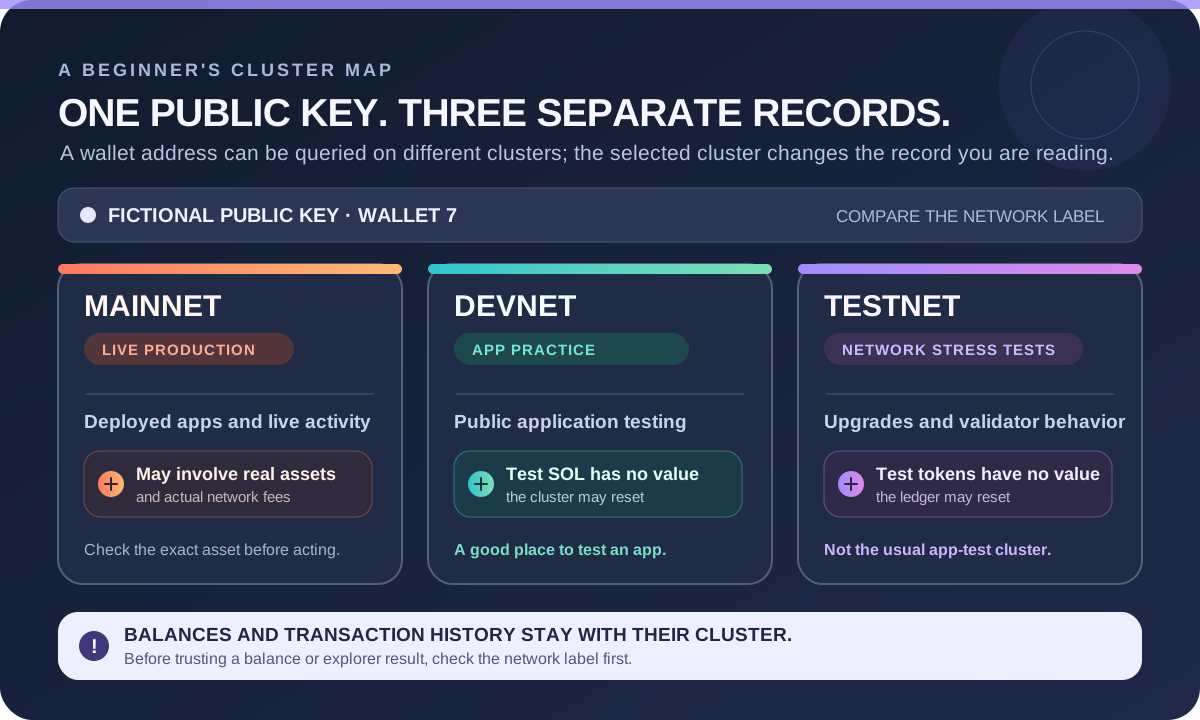
Three separate network records, not three views of one balance. Devnet and Testnet are for practice/testing; verify the selected cluster before acting or interpreting a lookup.
- Match the cluster to the task: Mainnet is live production, Devnet is for public application testing, and Testnet is for network and validator stress testing.
- The same public key can be queried on different clusters, but balances and transaction history stay within the selected cluster.
- Devnet and Testnet tokens have no real value; both clusters may reset their ledgers.
- Before acting or reading an explorer result, check the cluster named by the wallet, app, or explorer.
A fictional wallet shows test SOL on Devnet while an explorer is set to Mainnet. Is that a Mainnet balance? Explain what the cluster selector changes.
Three Solana clusters, three different jobs
Solana has separate clusters: groups of validators that maintain their own network state and have API nodes for their respective clusters. The official Solana cluster documentation describes their separate purposes. This guide compares Mainnet, Devnet and Testnet; they are not modes of one shared balance screen.
- Mainnet is the live production network where real assets and deployed applications operate.
- Devnet is publicly accessible for application development and testing. Its test tokens have no real value; a faucet can provide test SOL, and the cluster may be reset.
- Testnet is mainly used to stress-test network upgrades and validator performance. Its test tokens also have no real value, and its ledger may be reset.
For practising an application, Devnet is normally the relevant test environment; Testnet serves a different network-testing purpose. Features, balances, token mints and transaction history do not automatically carry between clusters.
Why the selected cluster matters
A wallet address can be shown on different clusters, but the data you see depends on which cluster the wallet, app or explorer is querying. A Devnet balance cannot be spent on Mainnet. An explorer page set to Devnet does not establish that a payment happened on Mainnet.
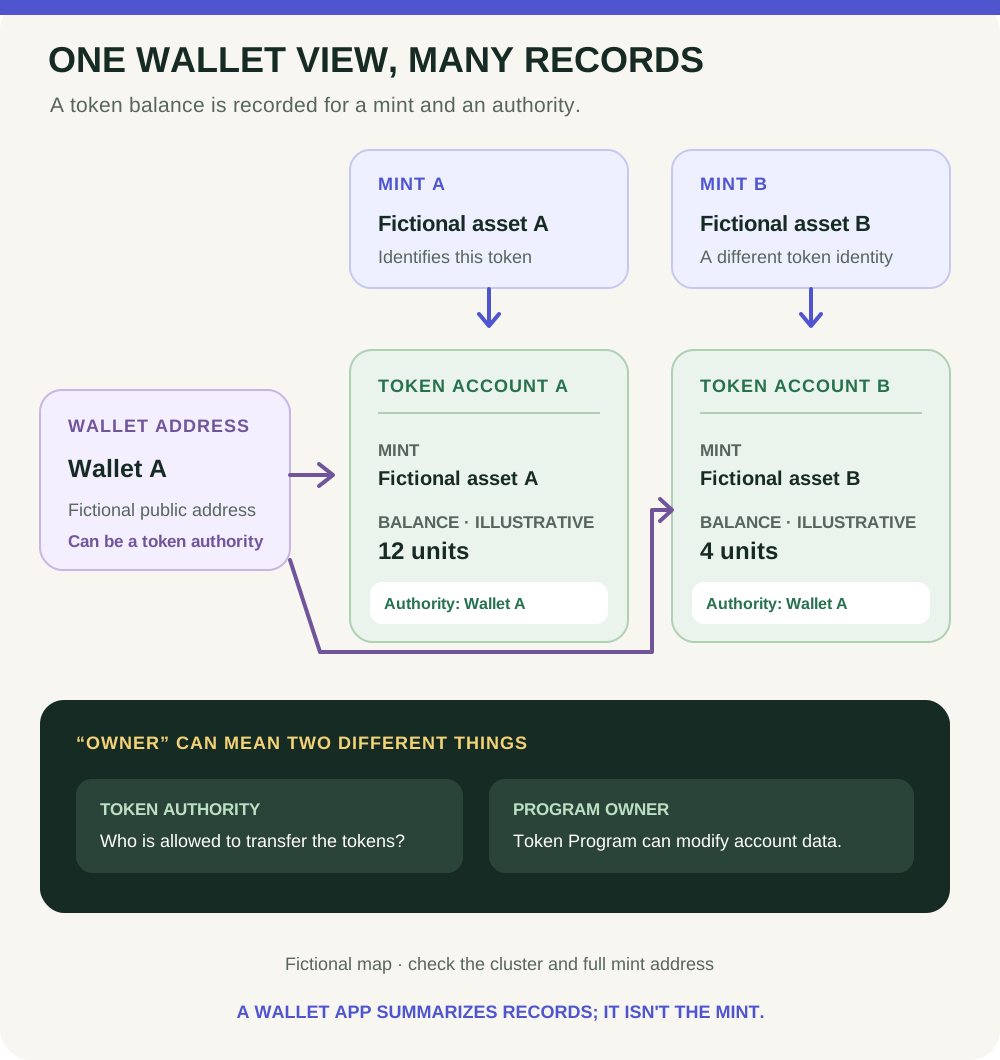
Token names and logos are not enough either. A token displayed on Devnet with the same name as a Mainnet asset is not proof that they are the same asset or that a project's claims are true. If you later research $STONKB, verify the exact Mainnet cluster and mint address from a project source you independently confirm; do not infer identity from a test token's label.
A no-wallet practice check
Imagine a practice page shows 5 test SOL on Devnet while a separate explorer tab is set to Mainnet. The number in the practice page is not a Mainnet balance. Before drawing a conclusion, identify the cluster shown by the wallet, the application and the explorer. If they do not match the action you mean to check, the display answers a different question.
Write these labels beside a fictional address: Devnet, Testnet and Mainnet. Under each, note that balances and transaction records are cluster-specific. No wallet, purchase, faucet request or signature is needed for this exercise.
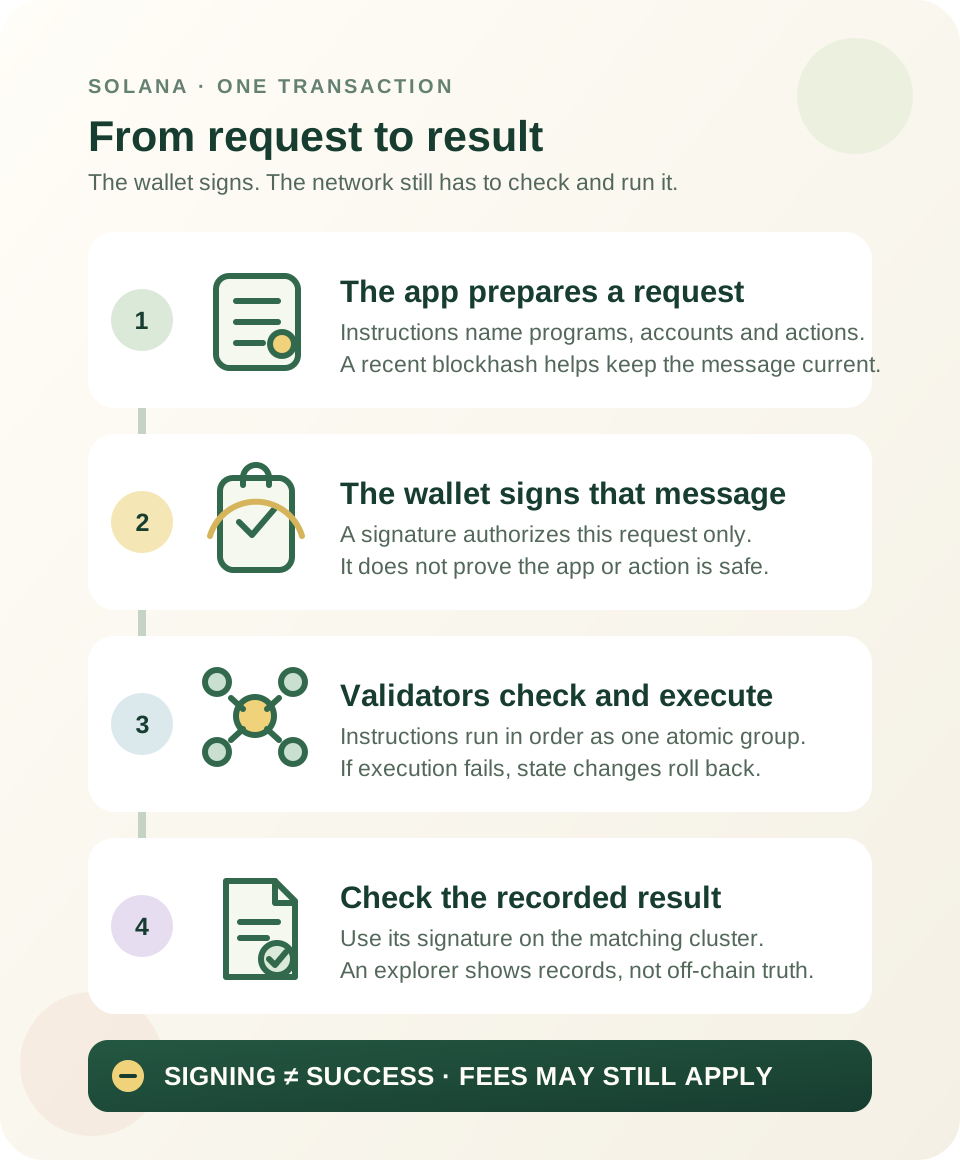
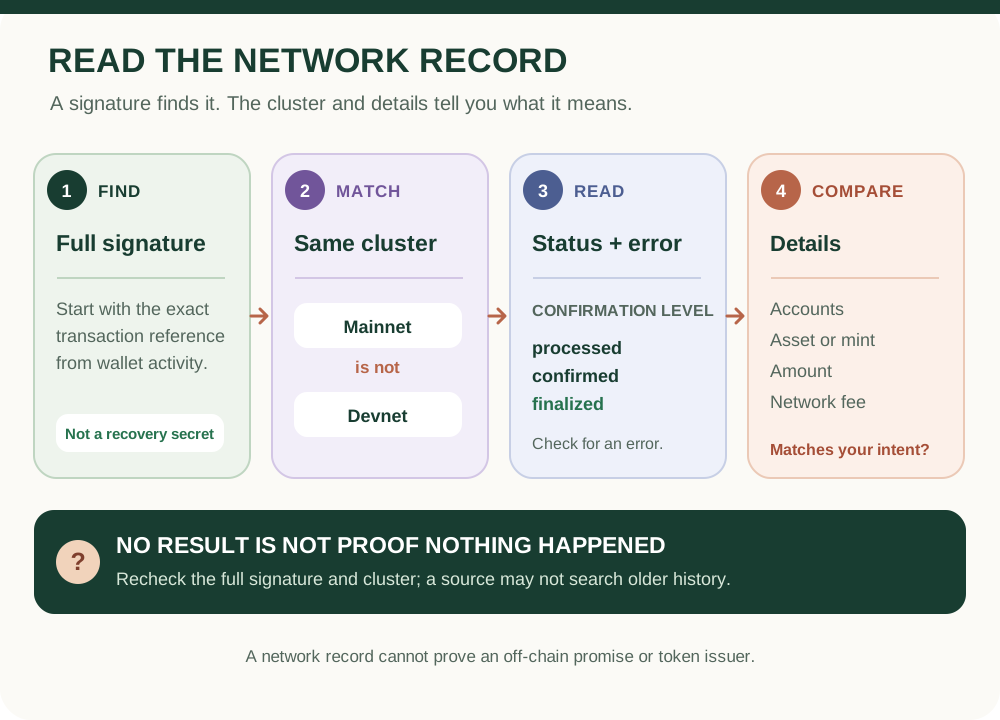
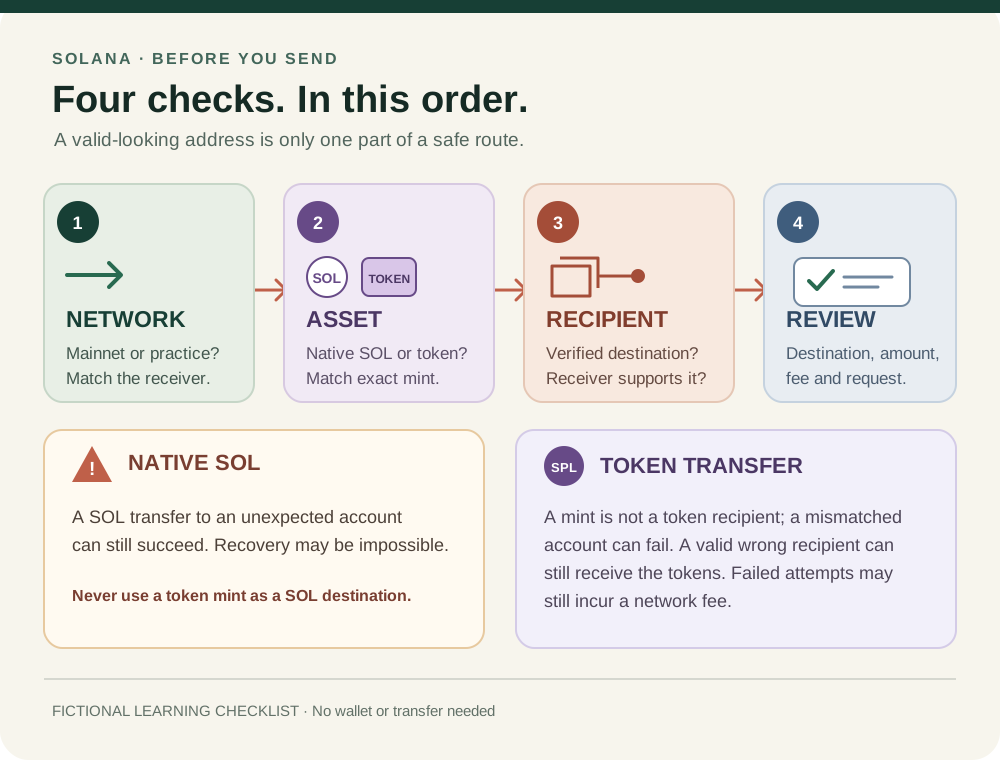
Before a real action, pause and confirm the selected network and exact asset in the wallet and destination service. For the recorded transaction sequence, see how Solana transactions work; to inspect a signature on the correct cluster, read how to check a Solana transaction. For token identity, see how to verify the $STONKB token address. Cluster checks reduce one kind of mix-up; they do not make a Mainnet transaction safe or an asset suitable.
Check your understanding.
Are Devnet test tokens live Mainnet assets?
A correct answer records local learning progress, not a qualification or proof of financial readiness.
Put this lesson in context
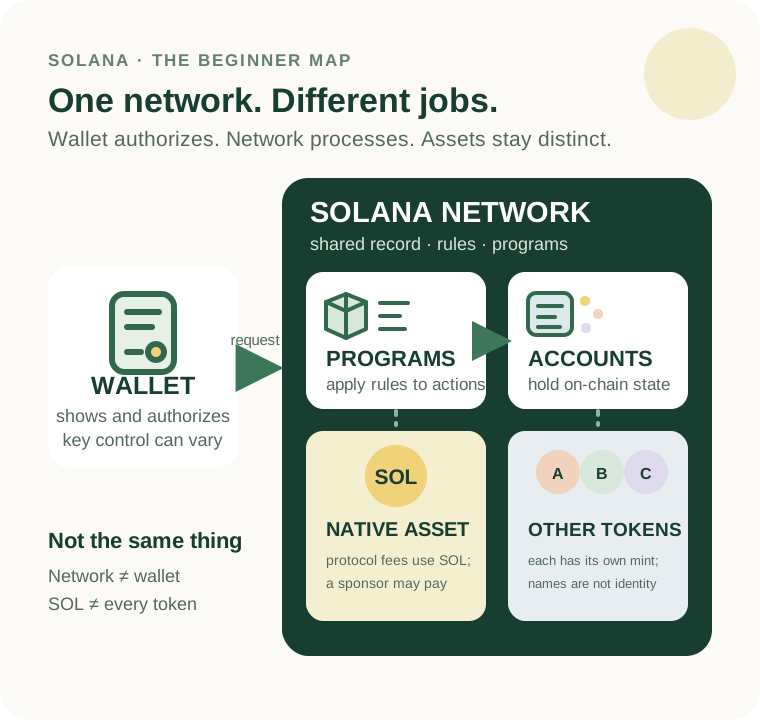
Separate the network, SOL and other tokens before learning accounts and transaction results.
Sources & context
- Solana Documentation — Clusters and public RPC endpoints ↗Consulted 2026-10-11
- Solana documentation — Transactions ↗Consulted 2026-10-11
Original educational content prepared for this project. Sources provide context, not endorsement or a guarantee that every statement remains current. Rules, product interfaces and availability can change.
Keep learning in Telegram.
Open this published guide in the learning bot. No account connection or wallet is needed.
Join the $STONKB community.
Follow project updates, share useful ideas and meet other builders. You do not need to buy $STONKB to join.
Take what you learned.
Leave the pressure behind.